Low‑level engine
System‑level formatting tailored for FAT32 to reduce failures and improve drive stability.
Avoid “drive not recognized” issues.
FAT32 Formatter is a lightweight desktop app that safely prepares USB sticks, SD cards, SSDs, and external drives in FAT32, even when they are well above 32 GB.
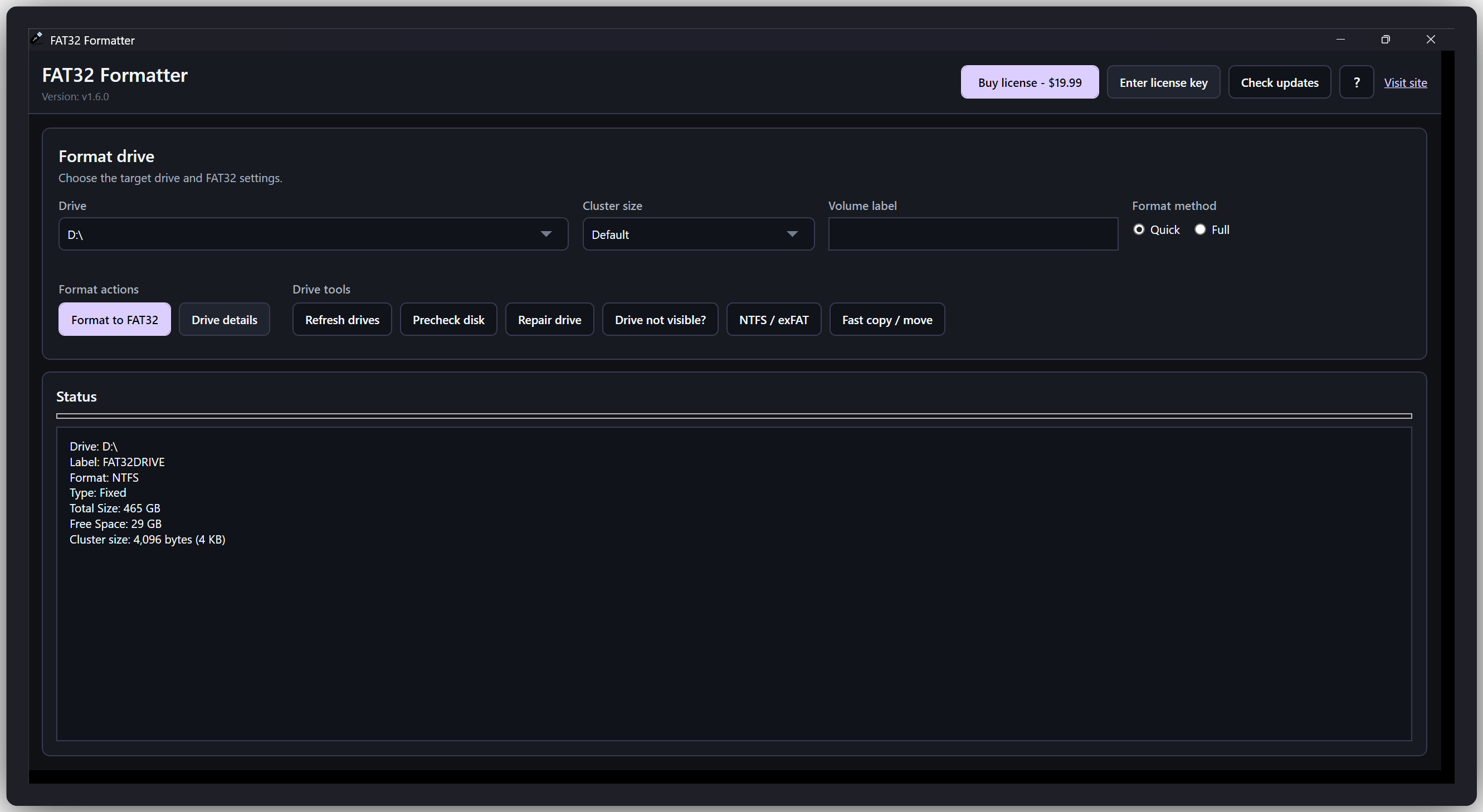
FAT32 Formatter wraps advanced formatting logic in a clean, focused interface. No confusing parameters; just pick your drive, choose settings, and click Start.
System‑level formatting tailored for FAT32 to reduce failures and improve drive stability.
Fine‑tune cluster sizes to balance performance and storage efficiency for your use case.
GUI Format tool can scan the drive for errors before formatting a failing disk blindly.
Use FAT32 Formatter on major Windows versions (including Windows 11, 10, 8, and 7) to prepare USB sticks, SD cards, and external drives for maximum compatibility.
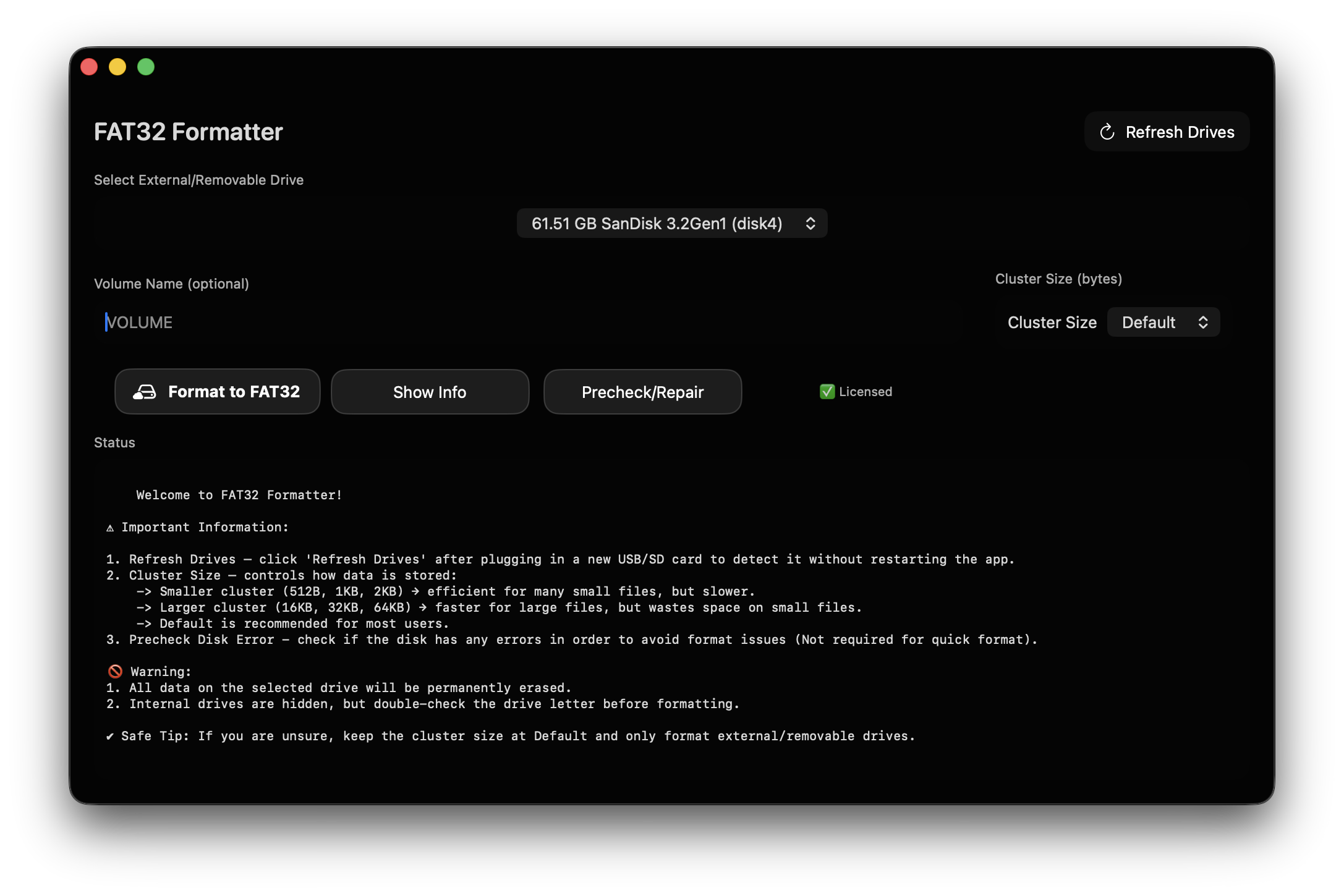
Get the Mac edition of FAT32 GUIFormatter (available with a license key) to quickly prepare SD cards, flash drives, and external disks in FAT32 from your Mac.
Windows limits FAT32 formatting in its built-in tools. FAT32 Formatter sidesteps that limitation while helping you avoid common pitfalls like formatting the wrong drive.
Launch FAT32 Formatter, pick the correct volume from the list, and confirm it’s the device you want to erase.
Set the volume label, cluster size, and optional quick or low-level format. FAT32 Formatter can check for disk errors ahead of time.
The app handles the formatting and progress tracking. In a short time, your drive is ready for consoles, cameras, or cross‑platform use.
Preview the FAT32 Formatter interface for free on Windows, then purchase a lifetime Premium license to format drives on Windows and macOS. No subscriptions, no renewals.
Download Our Safe and Secure FAT32 Formatter for Windows and Mac
Full feature set with lifetime access.
Advanced options and extended activation rights.
Still unsure how FAT32 Formatter fits your setup? These answers cover safety, licensing, and how FAT32 compares to other file systems.
Deep‑dive blog posts walk through real‑world scenarios - from choosing cluster sizes to preparing consoles, cameras, and backup drives the right way.
Understand when FAT32 makes sense, why the 32 GB limit exists, and how FAT32 Formatter helps you work around it safely.
Learn how cluster size affects performance and disk usage, and see recommended values for USB sticks, SD cards, and external drives.
A practical comparison to decide which file system to use for consoles, cameras, laptops, and shared external drives.
Reach out via your existing contact form or support email and we’ll be happy to help with license keys, activations, or bulk rollouts.
Support email: [email protected]
✉ Contact support